Farewells Clicker Guides
Practical walkthroughs for the 1.0 island loop.
This hub is the map for every Farewells Clicker how-to on the wiki. The game launched on Steam on 17 August 2026 as a single-player mix of clicking, city building, and a large skill tree. If you only have time for one article, open How to Play Farewells Clicker and follow the first-hour loop before you spend stars.
The rest of the guides answer the searches that show up after a launch: how to claim more land, when a farewell is worth it, what a chest event actually does, which settings fix ultrawide or camera issues, and whether the 1.0 build is worth buying if you already tried the demo.
How to use this hub
Start with the beginner path, then branch into the mechanic that is blocking you. New players usually stall on three things: they place buildings without reading neighbor rules, they ignore the skill tree until income feels slow, or they farewell too early and lose a layout they still needed. Each page below is written to unblock one of those stalls without inventing hidden numbers. When a cost or multiplier is not published, we tell you to read the in-game tooltip and Detailed mode instead of guessing.
If you already know the loop, skip ahead to How to Expand Your Island or How to Farewell. If a chest just appeared and you do not want to wipe a good island, open Chest Events first.
Guides in this section
- How to Play Farewells Clicker covers claiming tiles, clicking production, the first quests, and the difference between idle auto-clicks and active clicking.
- How to Expand Your Island explains Watch towers, Multi Claim, and why more land is not automatically more income.
- How to Farewell walks through the prestige-style reset, the Farewell achievement, and when Creative Mode is the better sandbox.
- Chest Events lists Whack-A-Mole, Tempest, and Cloning with practical “open or skip” advice.
- Controls and Settings documents Detailed mode, resolution, language, inverted camera, and the island-to-tech-tree transition.
- Farewells Clicker Review compares the demo, Next Fest build, and 1.0 launch for players still deciding.
- Creative Mode is the 1.0 sandbox: place, claim, and remove without a farewell.
- Achievements covers the 26 Steam trophies and the ten highlighted names.
- System Requirements copies the Windows and macOS minimums from Steam.
- Known Issues separates 0.6.x fixes from launch-week reports.
What these guides will not do
They will not invent a fake code list. Farewells Clicker is a paid Steam game and Team Square has not published redeemable promo codes. They will not invent exact production formulas. Official patch notes describe synergies in plain language: quarries scale with nearby rocks, lumbermills scale with nearby trees, manors scale with other manors. Use those rules, then confirm the live numbers in Detailed mode (Left Alt, or the toggle in the lower-left corner).
They also stay honest about bugs. Demo players reported quests that did not count towers or a second quarry, a volume slider that jumped to 100%, and missing resolution options on ultrawide monitors. Patch 0.6.0 and 0.6.2 fixed several of those issues, including ultrawide UI and quest validation. If something still fails in 1.0, report it to Team Square rather than assuming the wiki is out of date.
Pair guides with buildings and skills
A how-to is only half the game. After you can play a session without getting lost, read the Buildings Hub and Building Synergies so placements stop being random. Then open the Skill Tree Hub and Early Skill Nodes before you spend a large pile of stars. The Synergy Planner and Skill Planner exist for the same questions in table form.
When Team Square ships a balance pass, start at the Updates Hub and the Patch 1.0 notes. Launch-week articles should always lose to a newer official post if the two disagree.
Suggested reading order
- How to Play until you can finish the opening quests without guessing.
- Building List so you recognize Rock, Cottage, Guild Hall, and Watch tower on sight.
- Building Synergies before you spam the same producer.
- Early Skill Nodes once you can afford the first meaningful unlocks.
- Chest Events the first time a chest offers a destructive choice.
- How to Farewell only after you understand what you would lose.
- Review if you are still comparing demo memories to the paid 1.0 build.
- Creative Mode when you want a sketchbook.
- Late-game buildings when stars replace producers.
- Launch week for the discount window and news-feed status.
Official store text, system requirements, and community threads live on the Links Hub. Use that page when you need Steam, the demo app, or the developer support address instead of another strategy article.
Frequently Asked Questions
Quick answers to the most common Farewells Clicker questions.
Which Farewells Clicker guide should I read first?
Start with How to Play, then Building Synergies and Early Skill Nodes. Open Chest Events only when a chest is already on the island.
Do these guides work for the demo and for 1.0?
The loop is the same. 1.0 adds late-game buildings, Creative Mode, and achievements. Demo-only bugs are called out on the controls and updates pages.
Will you publish promo codes?
No. Farewells Clicker is a paid Steam title and has no official redeem-code system on the store page.
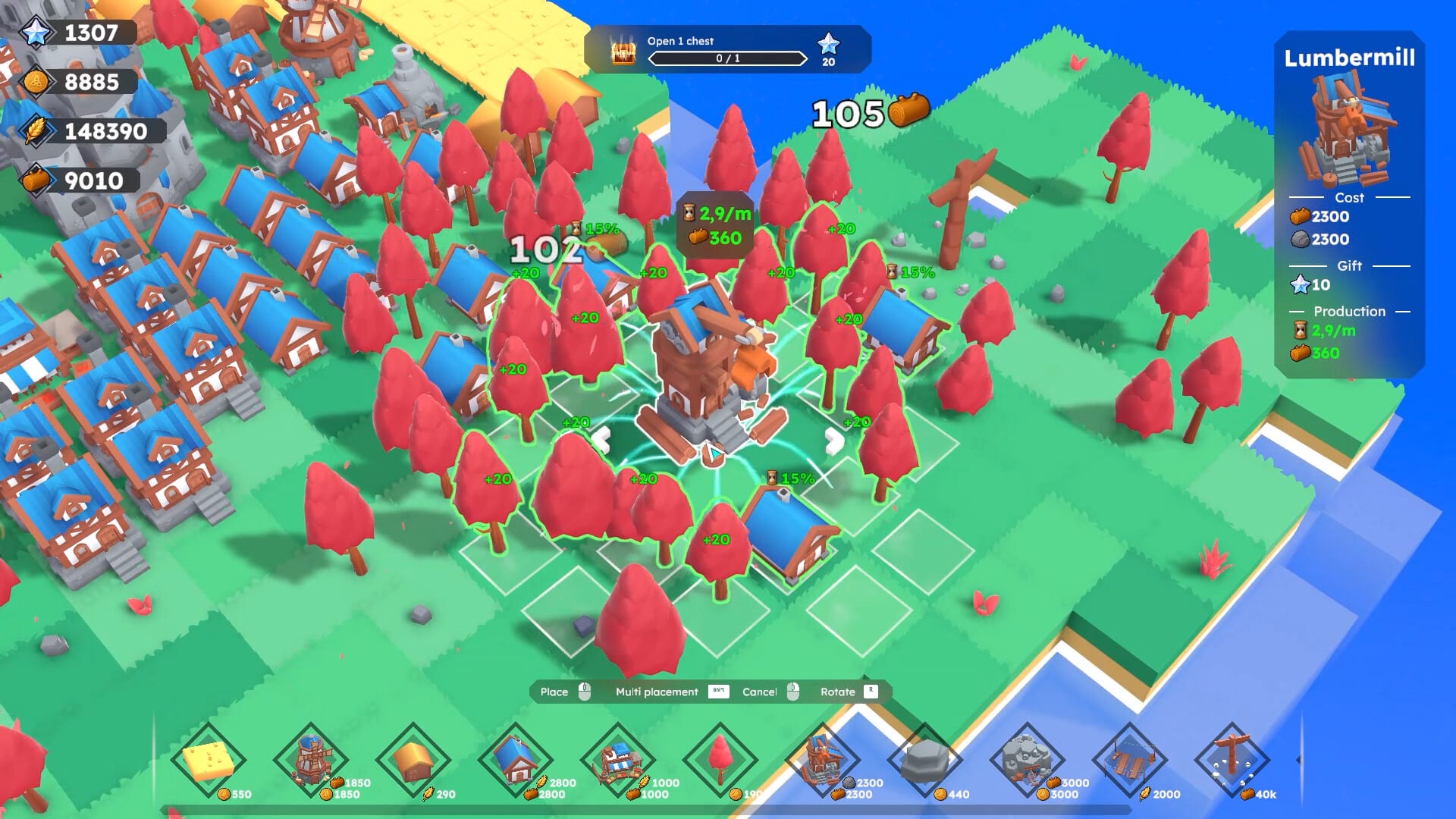
How to Play
Learn Farewells Clicker from the first click: claim tiles, place producers, use auto-click, and finish the opening quests.
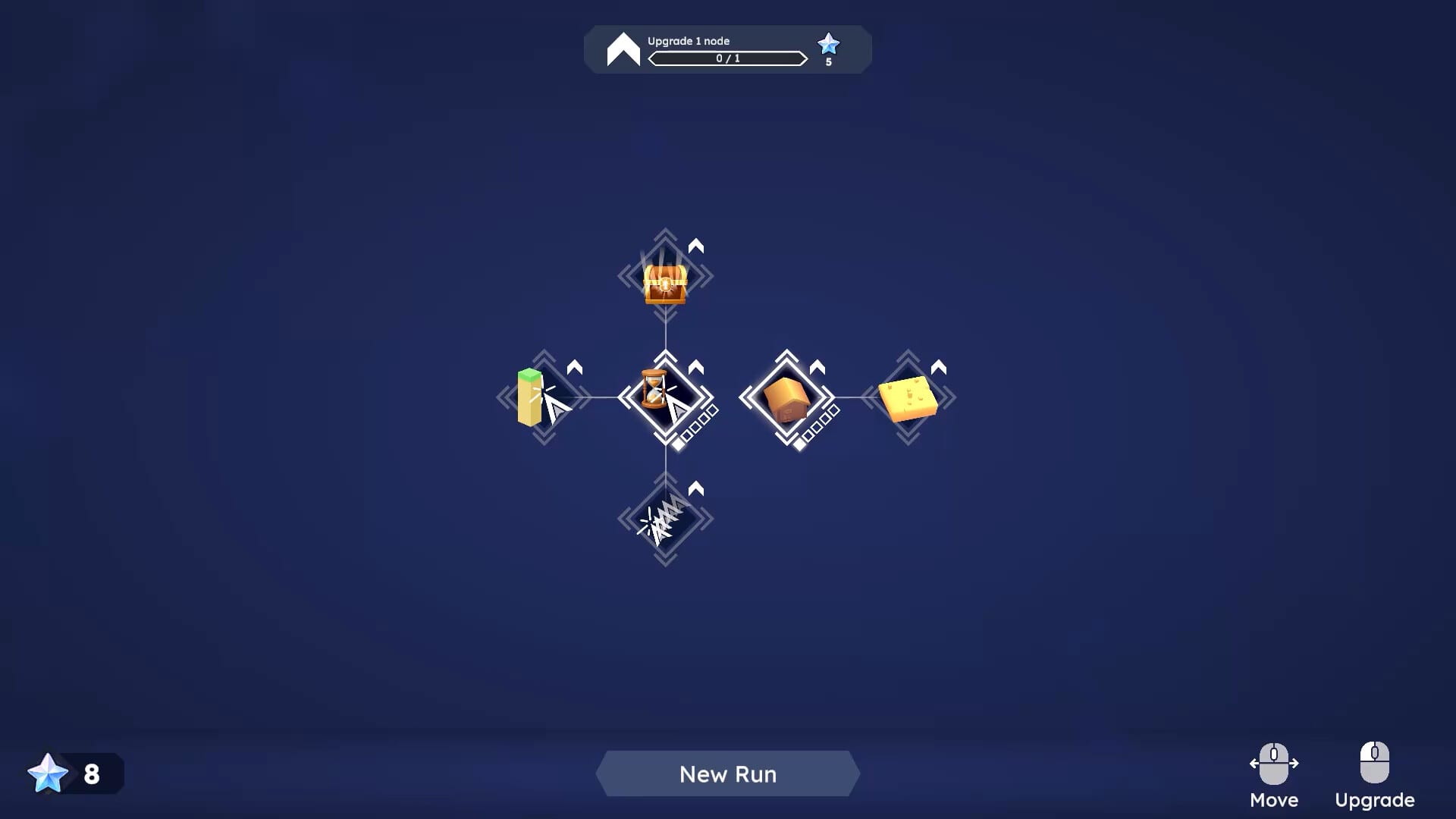
Expand Island
Expand a Farewells Clicker island with Watch towers, Multi Claim, and smarter borders instead of empty claimed grass.
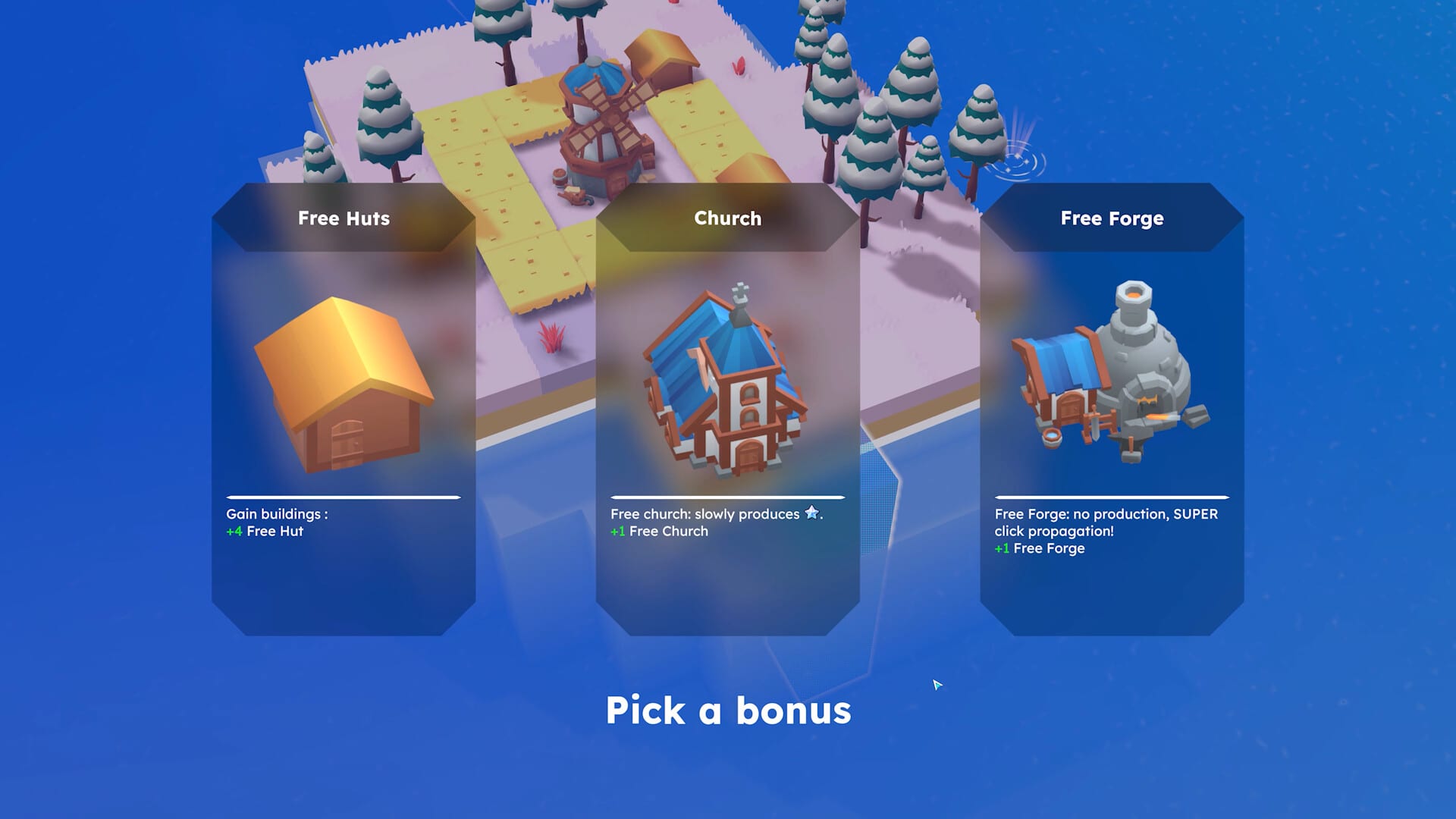
How to Farewell
Learn when a Farewells Clicker farewell reset is worth it, what the recap shows, and when Creative Mode is safer.
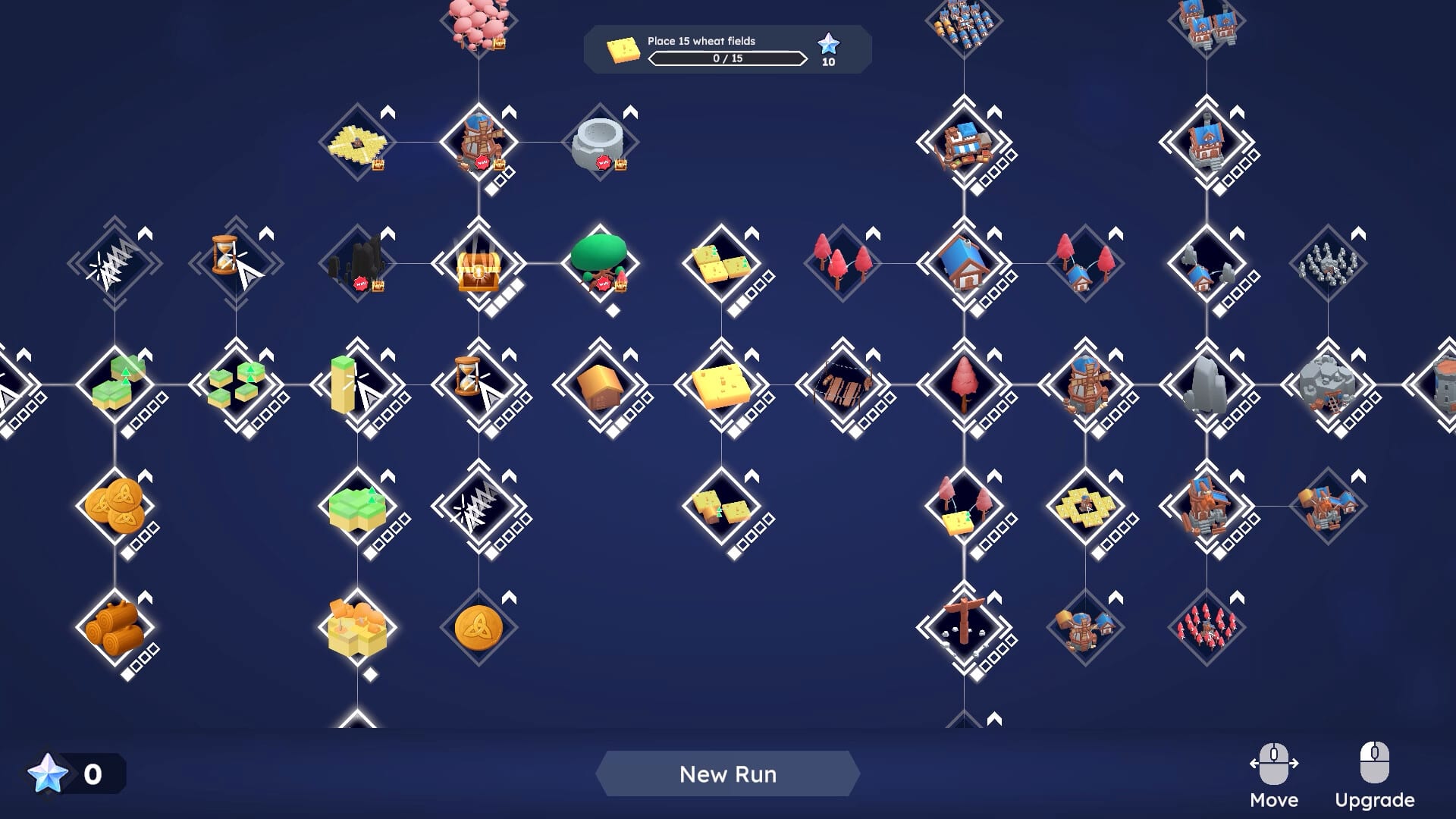
Chest Events
Chest events in Farewells Clicker: Whack-A-Mole, Tempest, and Cloning, plus when Chest Discovery is safe to unlock.
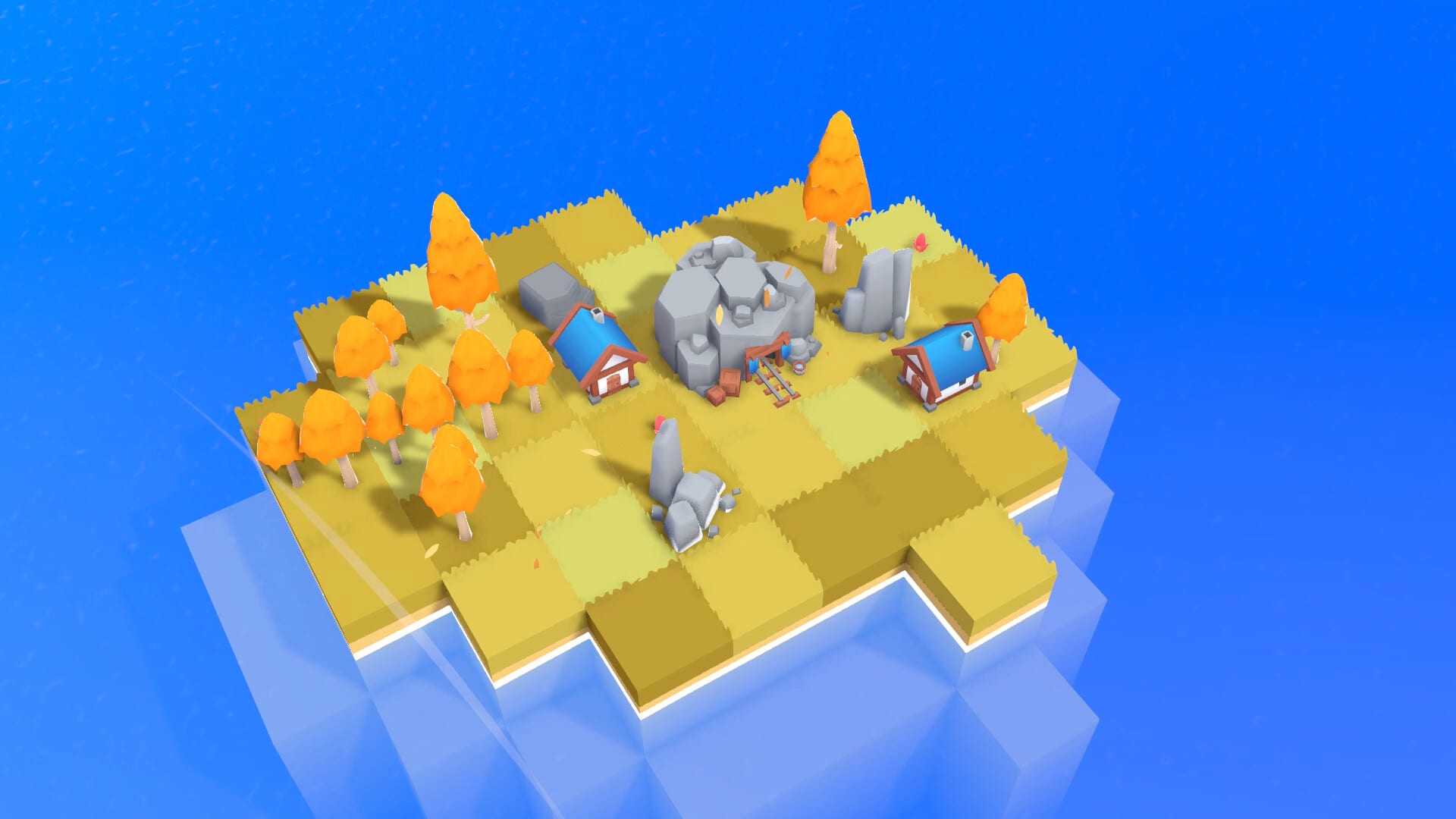
Controls
Farewells Clicker controls: Detailed mode, resolution, language, inverted camera, and ultrawide fixes from the 0.6 patches.
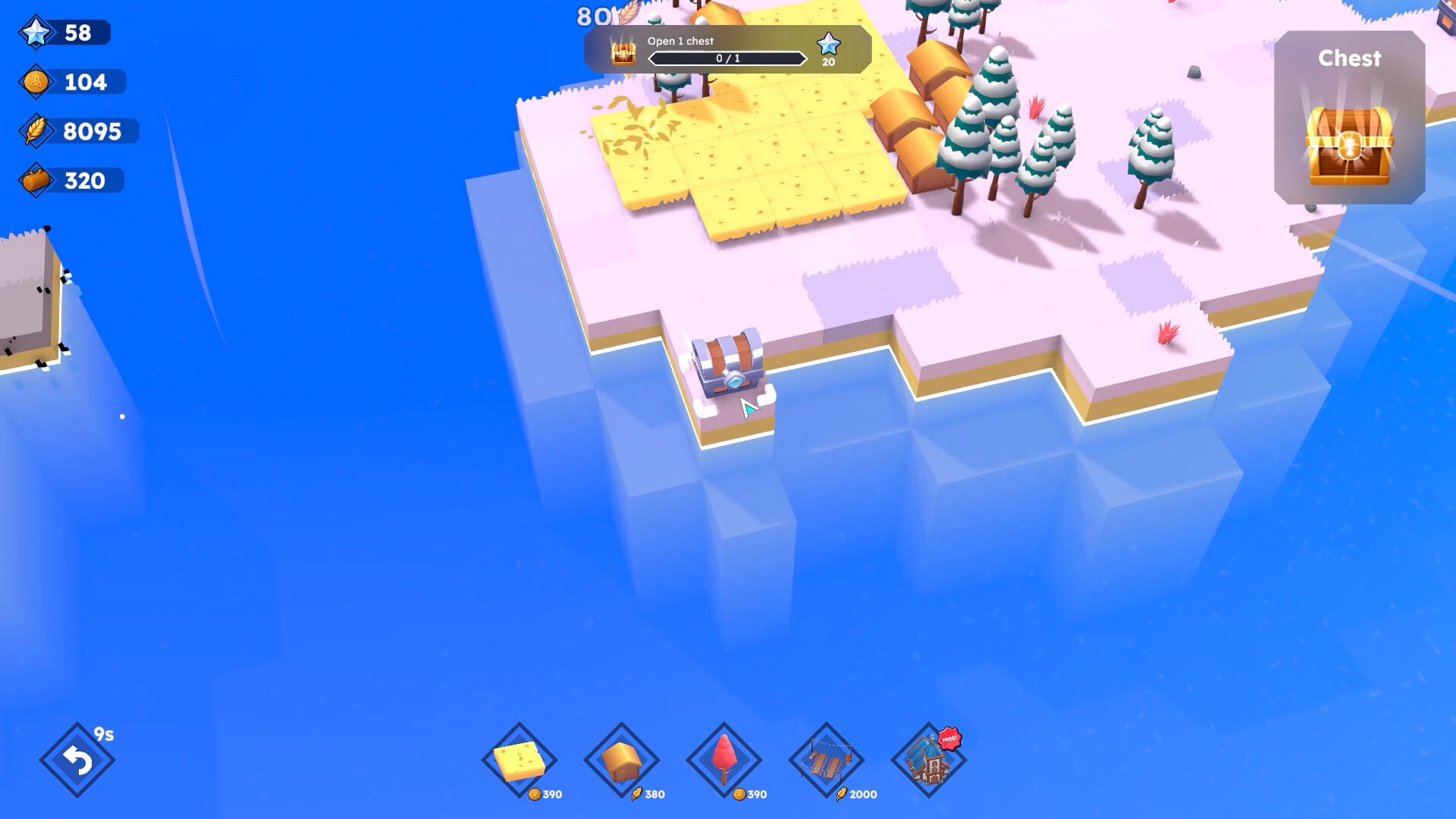
Review
Farewells Clicker review of the 1.0 Steam launch: demo versus full game, who it is for, and what still needs a patch.