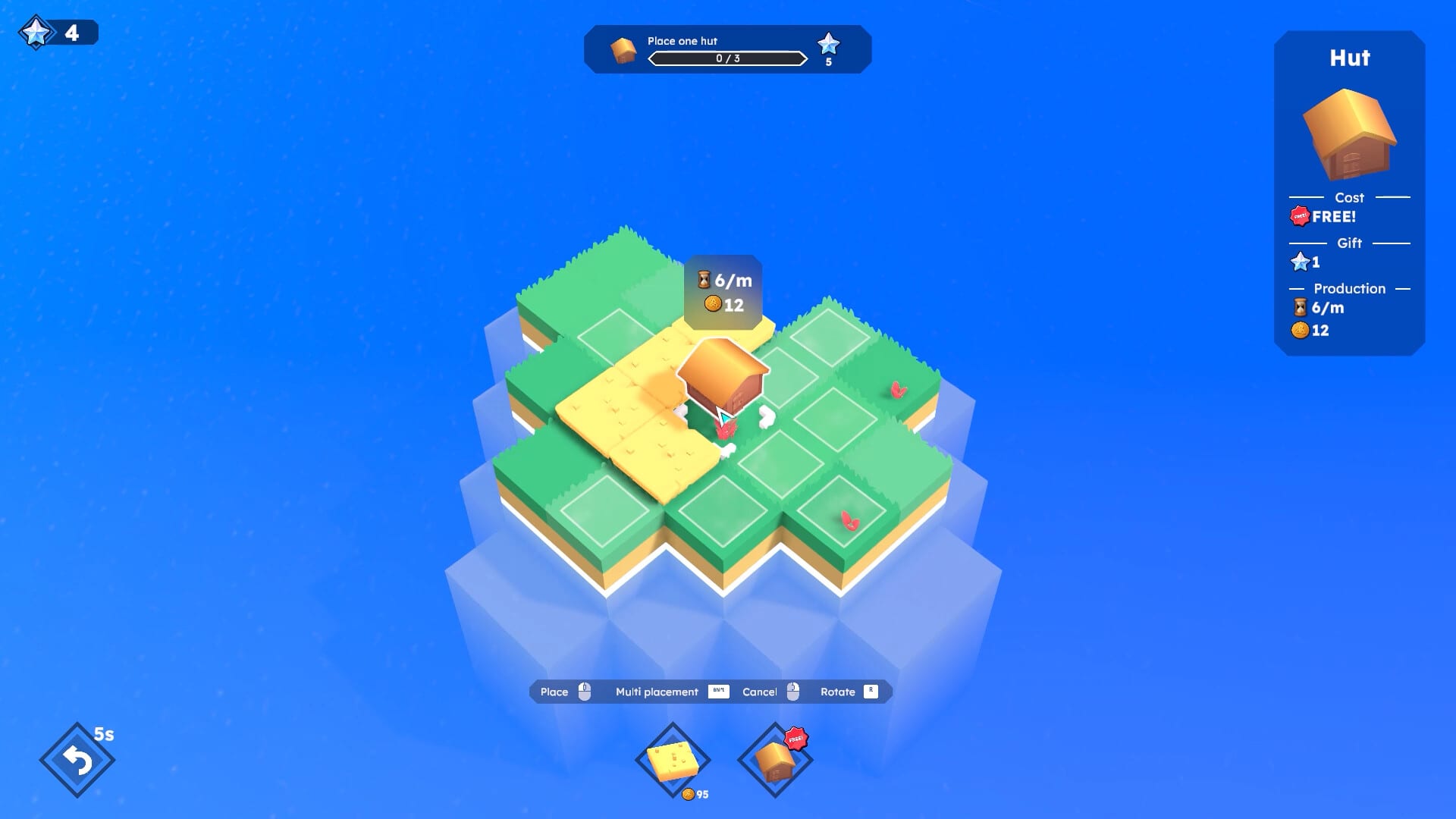
Creative Mode in Farewells Clicker
The 1.0 sandbox that is not a prestige reset.
Creative Mode is a 1.0 addition. Team Square’s launch note describes it in one clean paragraph: for players who want to build and relax, or who want to try-hard and min-max setups. In this mode you can place buildings, claim land, and remove freely. That is the whole official sentence. This page turns that sentence into play advice so you do not confuse the sandbox with a farewell.
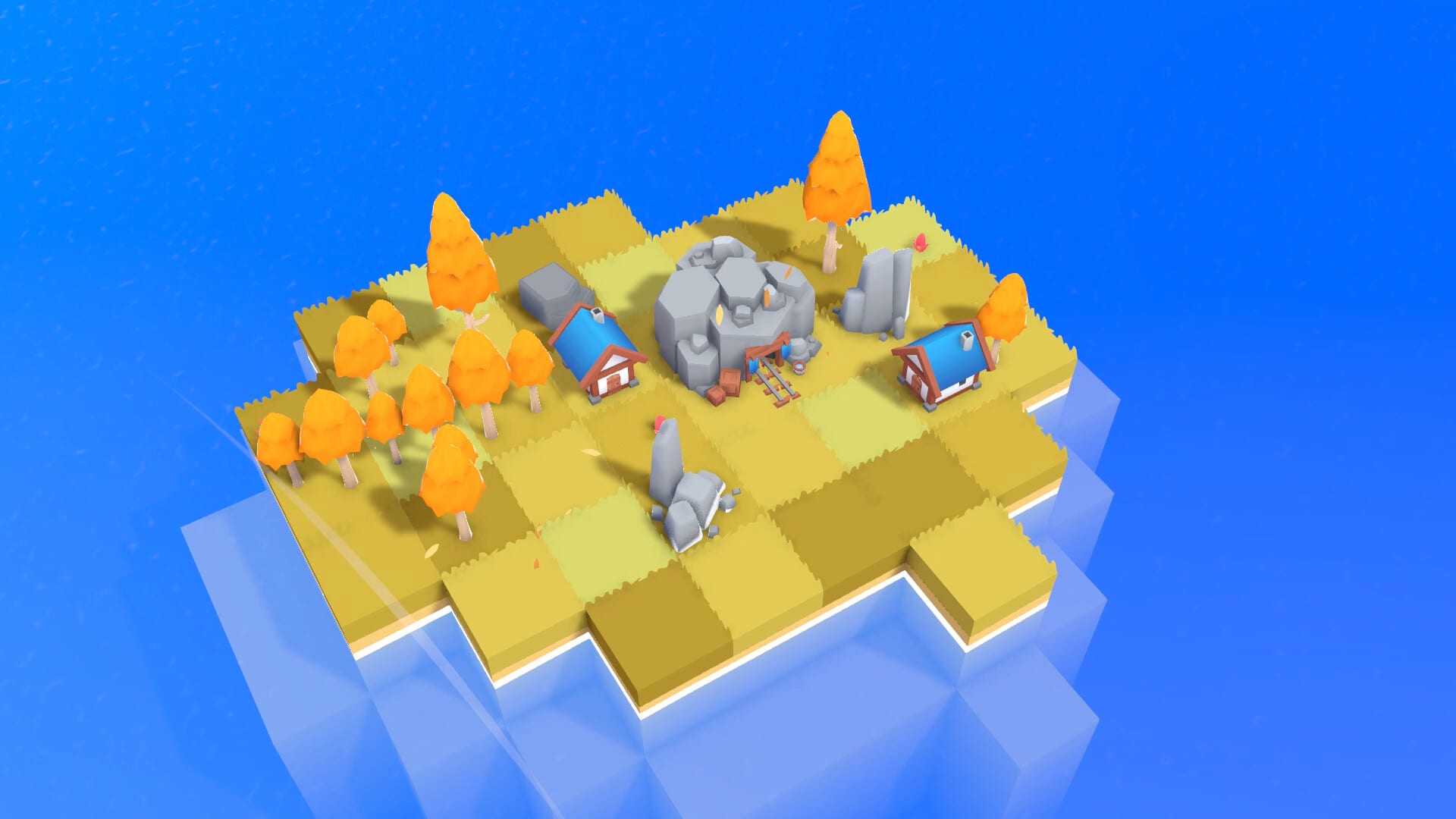
The campaign island still uses resources, quests, chests, and stars. Creative Mode is the sketchbook next to that campaign. Use it when you want to test a quarry ring, a manor street, or a Watch tower border without paying the farewell price.
What Creative Mode is allowed to do
The public note lists three verbs: place, claim, and remove. That means you can try a layout, tear the bad tiles out, and try again on the same sketch. You are not locked into a Tempest rebuild or a prestige recap. If a placement looks wrong in Detailed mode, delete it and keep the rest of the island.
It does not say Creative Mode grants infinite stars, unlocks every skill node, or completes achievements. Treat those as unknown until the client tooltip says otherwise. This wiki will not invent a creative-only economy.
What Creative Mode is not
It is not a farewell. A farewell resets the campaign island and is the named Steam achievement. Creative Mode is the opposite mood: keep the toys on the table and rearrange them.
It is not Tempest. Tempest destroys buildings and pays their gift a second time. That is a chest event with a timer and a cost. Read chest events before you treat a storm like a sandbox button.
It is not Cloning. Cloning copies placements while the event is active. Creative Mode lets you place and remove without that event window.
It is not a second save slot by itself. Steam Cloud and “save anytime” are store features of the product. If you care about keeping a campaign island, do not assume Creative Mode is a backup. Make the campaign decision first, then open the sandbox.
When to open it
Open Creative Mode when the question is “does this cluster work?” not “should I prestige?” Good uses:
- Testing how many rocks a quarry wants before you spend campaign stones.
- Drawing a manor cluster so you can see the coin engine without wrecking a quest island.
- Checking Watch tower claim size against a coastline you already like.
- Practicing Guild Hall click coverage so you know where the idle circle actually lands.
- Sketching a Tower or Castle pocket before you spend a campaign banquet or totem line. Late-game roles live on late-game buildings.
Do not open it as a substitute for reading How to Play. The sandbox is more fun after you know what a Cottage is for.
How it pairs with the skill tree
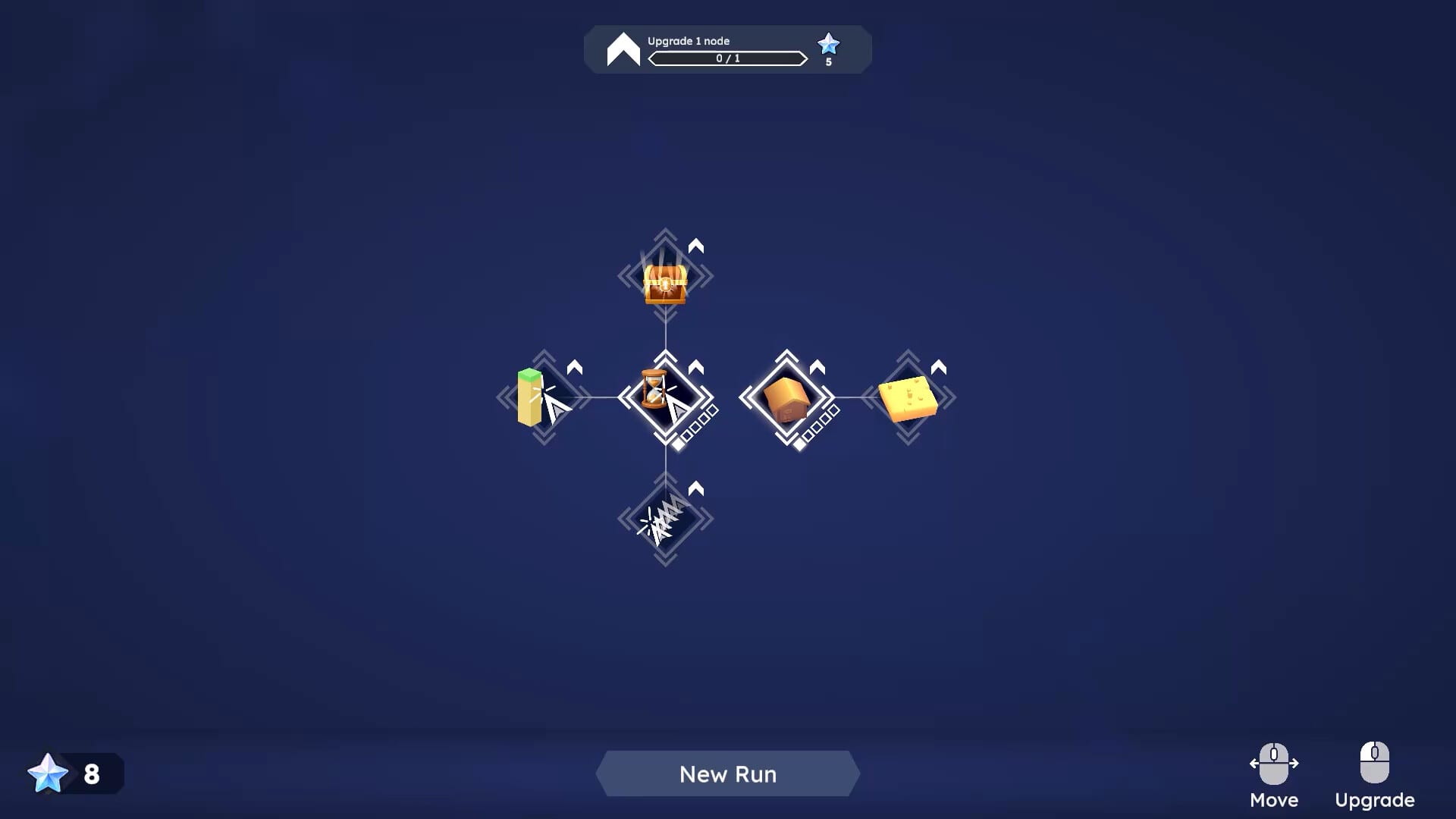
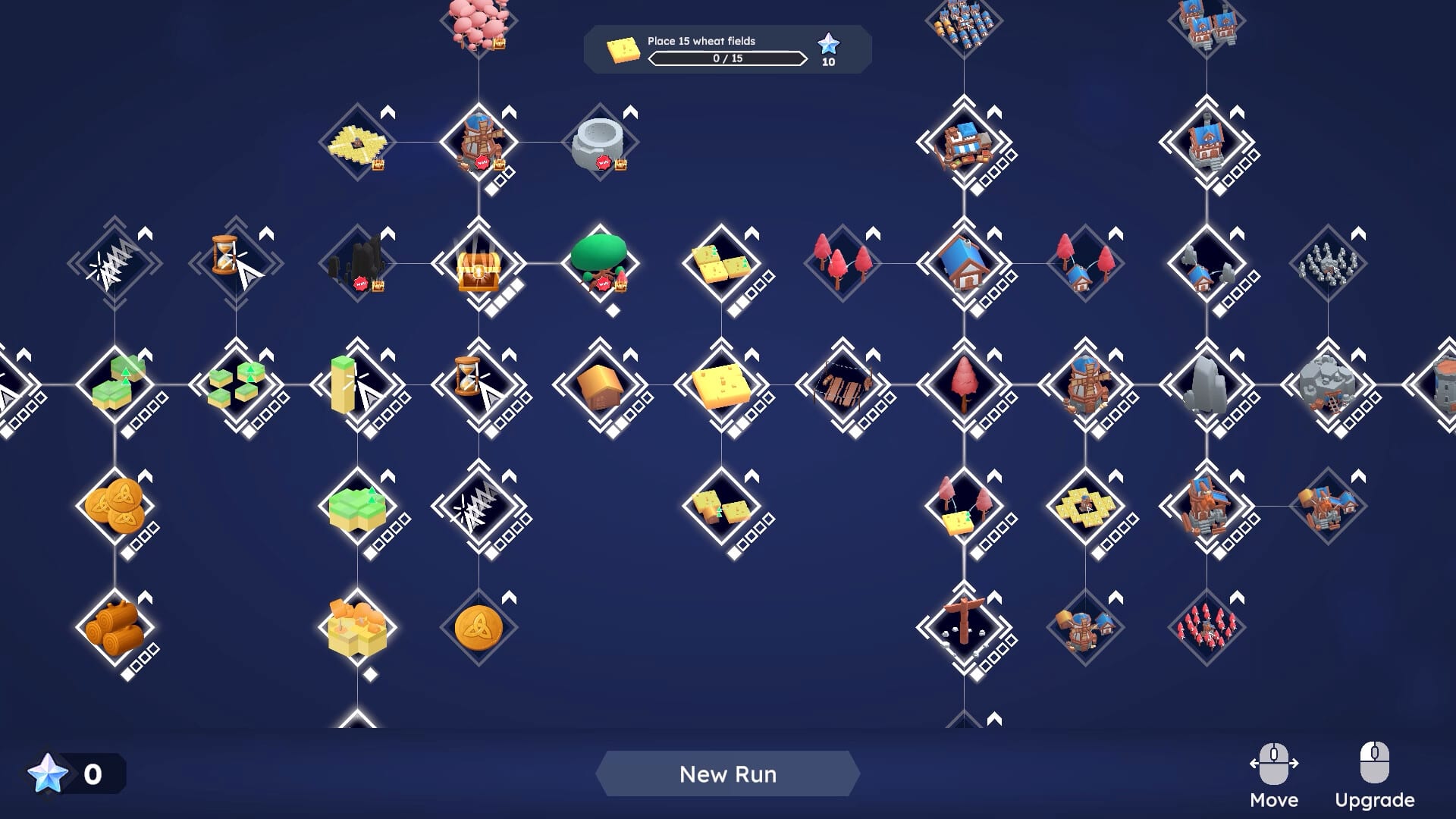
1.0 says many nodes arrive with the new buildings. Creative Mode does not replace those unlocks. If a building is locked in the campaign because you have not bought the node, do not expect the sandbox to be a cheat menu unless the client shows that it is. Use the Skill Planner for spend order, then use Creative Mode to place the building you already understand.
Multi Claim and Chest Discovery change the map. In the sandbox, Multi Claim is a layout tool. Chest Discovery is optional noise. You do not need chests to test a lumbermill ring.
How it pairs with Detailed mode
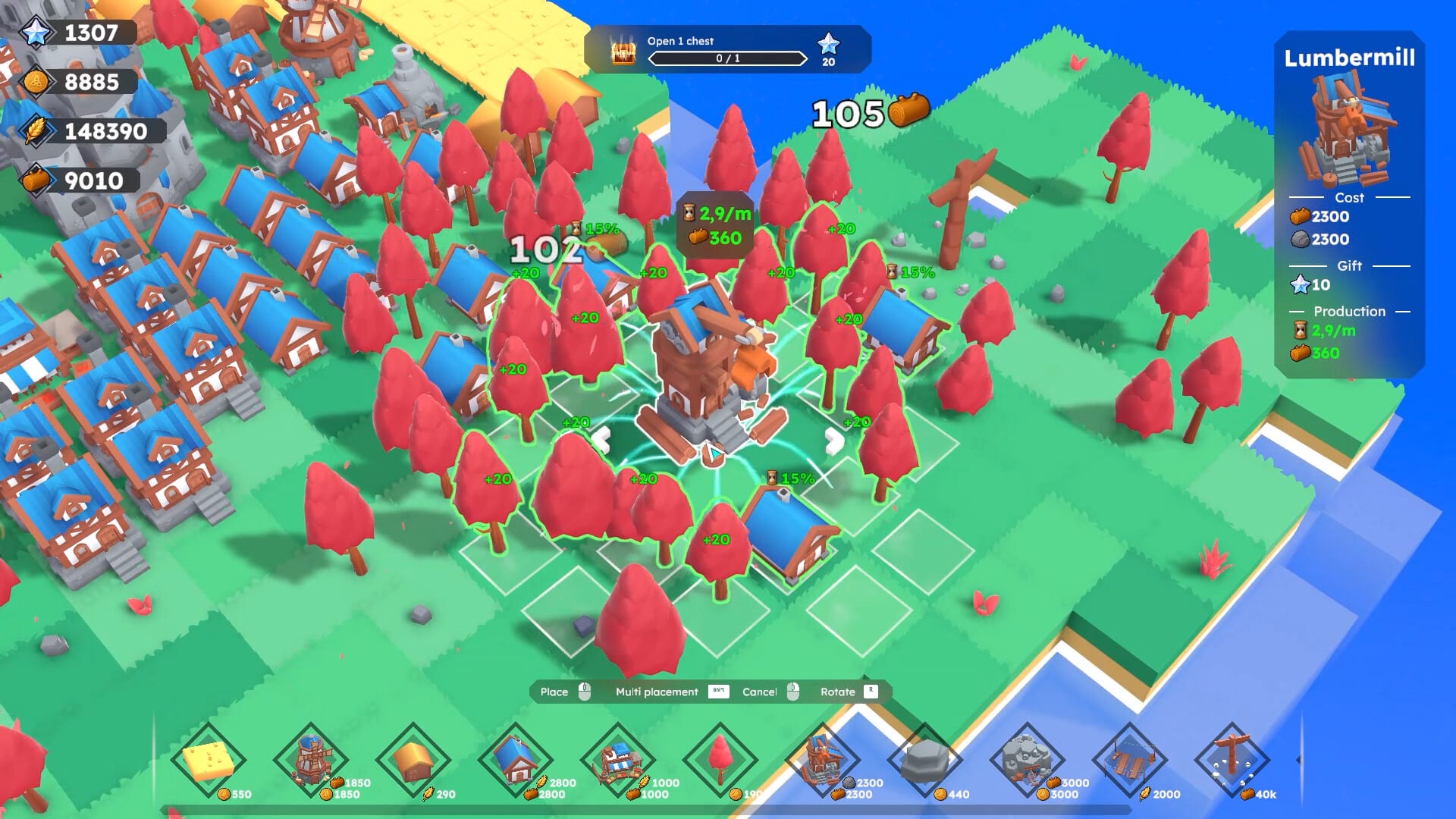
Turn Detailed mode on (Left Alt, or the lower-left toggle) before you min-max in Creative Mode. The whole point of a sandbox is to read the live tooltip. If you sketch blind, you are only making a pretty screenshot. Controls covers the toggle, inverted camera, and the island-to-tree transition.
A simple sandbox session
- Decide one question: stone industry, wood industry, manors, or land grab.
- Place the fuel first (rocks, Cottage fields, or a seed manor).
- Place the amplifier (Quarry, Lumbermill, extra manors).
- Hover every tile in Detailed mode.
- Remove the tiles that do nothing.
- Only then copy the surviving recipe onto the campaign island.
If the recipe still looks bad, the problem is usually missing fuel, not a missing prestige. Read Building Synergies and the Synergy Planner before you farewell a campaign just because a sketch failed.
Launch-week honesty
Creative Mode shipped in the 17 August 2026 note. There is no extra public hotfix in the Steam news feed as of launch day that changes those three verbs. If a later patch adds creative-only rules, Patch 1.0 and launch week should lose to the newer Steam post.
Use system requirements if the sandbox stutters on a large sketch. 1.0 promised performance work for big islands; a weak GPU can still hitch when you paint too fast.
Creative Mode is the calm tool. Farewell is the sharp one. Keep them on different mental shelves and the rest of the wiki stays simple.
Frequently Asked Questions
Quick answers to the most common Farewells Clicker questions.
Does Creative Mode reset my campaign island?
No. The 1.0 note describes a free place, claim, and remove sandbox. Farewell is the campaign reset.
Can I unlock achievements in Creative Mode?
The launch note does not say. Check the in-game achievement text. Do not assume a sandbox grants Farewell.
Is Creative Mode the same as Tempest?
No. Tempest is a chest event that destroys buildings for a second gift. Creative Mode is a 1.0 sandbox.
When should I use Creative Mode instead of farewell?
When you want to test a layout. Farewell when the campaign island has finished teaching you and you accept the recap.
Guides Overview
Farewells Clicker guides for how to play, expand land, farewell, chest events, controls, and a launch-week review.
How to Play
Learn Farewells Clicker from the first click: claim tiles, place producers, use auto-click, and finish the opening quests.
Expand Island
Expand a Farewells Clicker island with Watch towers, Multi Claim, and smarter borders instead of empty claimed grass.
How to Farewell
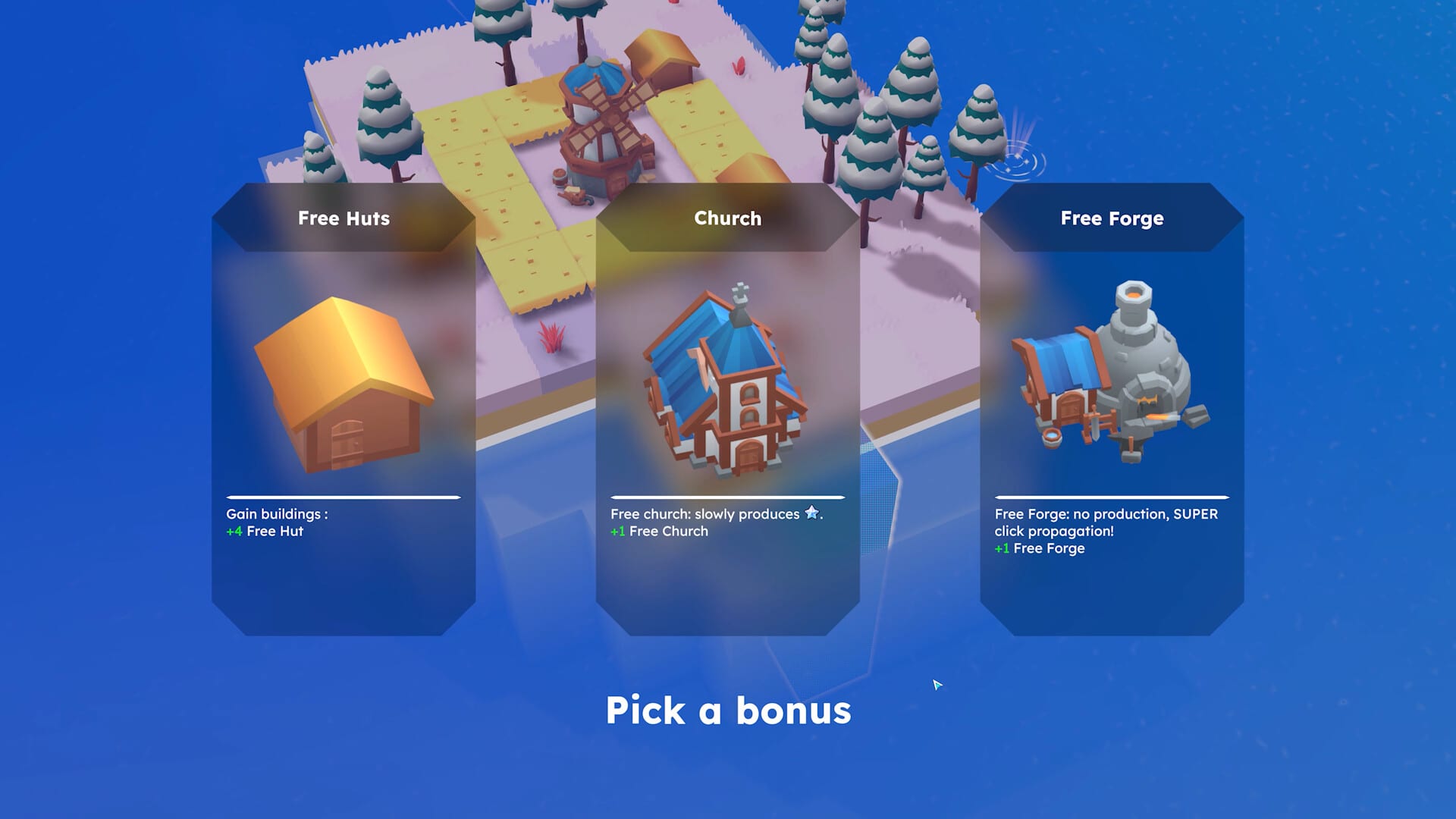
Learn when a Farewells Clicker farewell reset is worth it, what the recap shows, and when Creative Mode is safer.
Chest Events
Chest events in Farewells Clicker: Whack-A-Mole, Tempest, and Cloning, plus when Chest Discovery is safe to unlock.
Controls
Farewells Clicker controls: Detailed mode, resolution, language, inverted camera, and ultrawide fixes from the 0.6 patches.