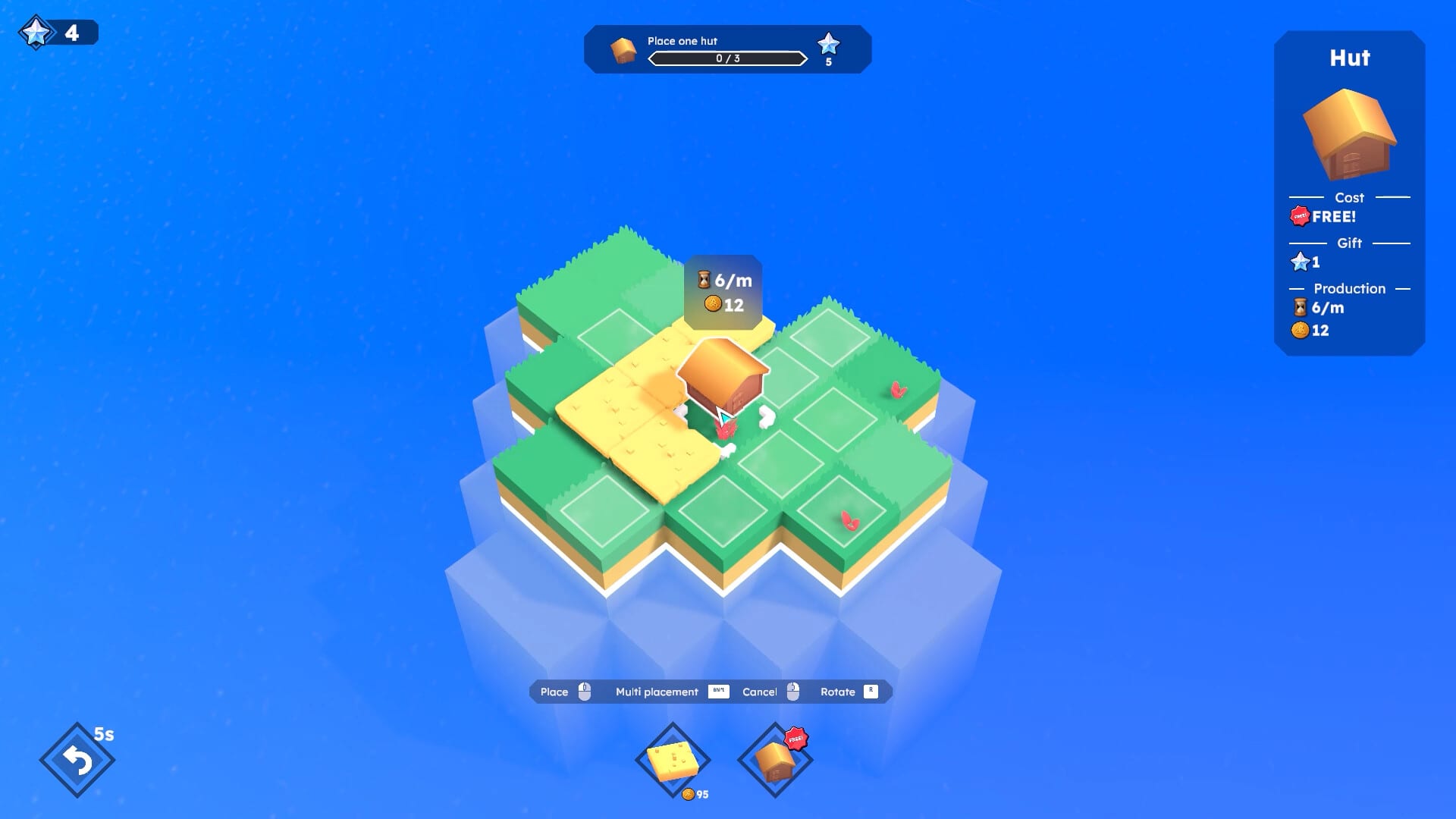
Farewells Clicker Tools
Tables you can use mid-session.
Guides teach. Tools sit open beside the game. This hub points at two session utilities for Farewells Clicker 1.0: a Synergy Planner that lists what each building wants nearby, and a Skill Planner that turns the early-node order into a checklist. Neither tool invents hidden coefficients. Both repeat official roles from the 0.6.0 and 1.0 notes so you do not have to flip back through prose while a chest timer is running.
If you are still learning the loop, you do not need a tool yet. Finish How to Play and Building Synergies. Come back when you know the names and keep forgetting which one is the amplifier.
What the Synergy Planner is for
You are about to place a quarry, a lumbermill, a manor, or a Guild Hall, and you want a one-line reminder. The planner is a table with four columns: building, nearby needs, produces or grants, and a caution. Use it during Cloning so you copy the right tile. Use it after a Watch tower drop so the new rectangle gets a real recipe instead of random houses.
It will not calculate a live income. Detailed mode does that. The planner only stops you from putting the amplifier on empty grass.
What the Skill Planner is for
You opened the tree, you have a handful of stars, and every icon looks important. The skill planner is the early nodes order as a checklist: free quest nodes, Multi Claim, the next building unlock, Chest Discovery, then chest-choice nodes. Check items as you buy them. Uncheck if a farewell sent you back to a new island.
It will not list unnamed influence nodes. If your client shows a node we did not name, apply the same test: does it remove the bottleneck you have right now?
How these tools stay honest
Public notes named specific buildings and four extra nodes. Windmill is only known through a range upgrade. Portal is only known as “ultimate.” The tables say so. When Team Square publishes a fuller list, the Updates Hub will move first and the tools will follow.
We also will not add a fake code redeemer or a script injector. This is a paid Steam single-player game. There is nothing to redeem and nothing to inject.
Suggested pairing
- Planner plus building list when you cannot remember whether Tower or Watch tower claims land.
- Planner plus chest events when Cloning is active.
- Skill planner plus How to Expand Your Island when you are deciding between Multi Claim and a Watch tower.
- Skill planner plus How to Farewell after a reset, so you do not buy Jungle on a stone island again.
When not to use a tool
If you are in Creative Mode just to make a pretty harbor, close the tables and build. If you are deciding whether to buy the game, read the review instead. If the client tooltip disagrees with a row, the tooltip wins and you should tell us the patch number from the Patch 1.0 page or a newer Steam news post.
Open the Synergy Planner if a building is in your cursor. Open the Skill Planner if the tree is in your cursor. That is the whole hub.
Frequently Asked Questions
Quick answers to the most common Farewells Clicker questions.
Do these tools connect to the live game?
No. They are static tables based on official patch text. Hover in Detailed mode for live numbers.
Is there a production calculator with exact formulas?
Not here. Team Square has not published public coefficients, so we will not invent a calculator.
Which tool should I open during a chest event?
The Synergy Planner during Cloning. The chest-events guide during Tempest. Neither during Whack-A-Mole — look at the island.
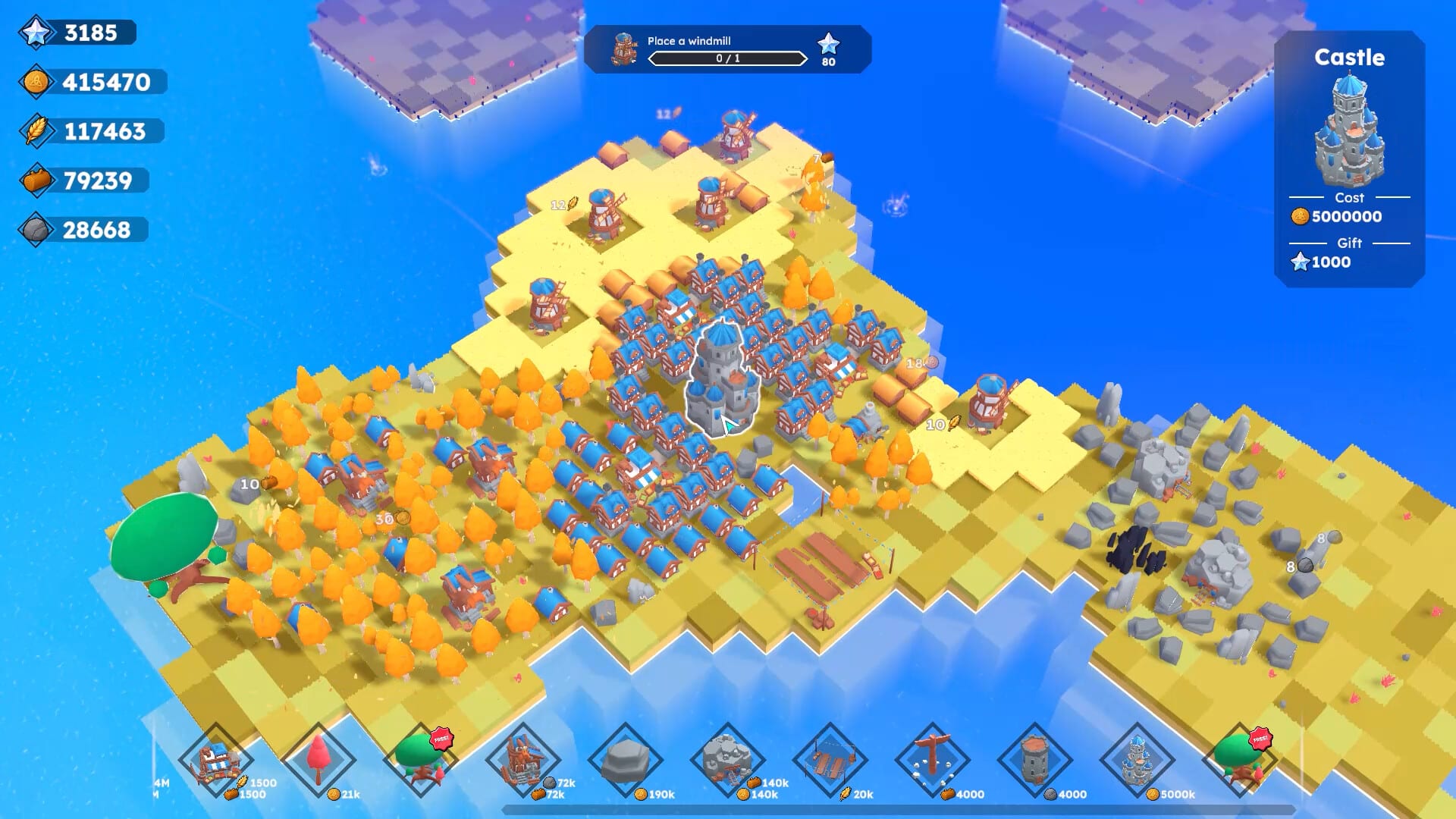
Synergy Planner
Filter Farewells Clicker buildings by what they need nearby and what they produce so placements stop being guesses.
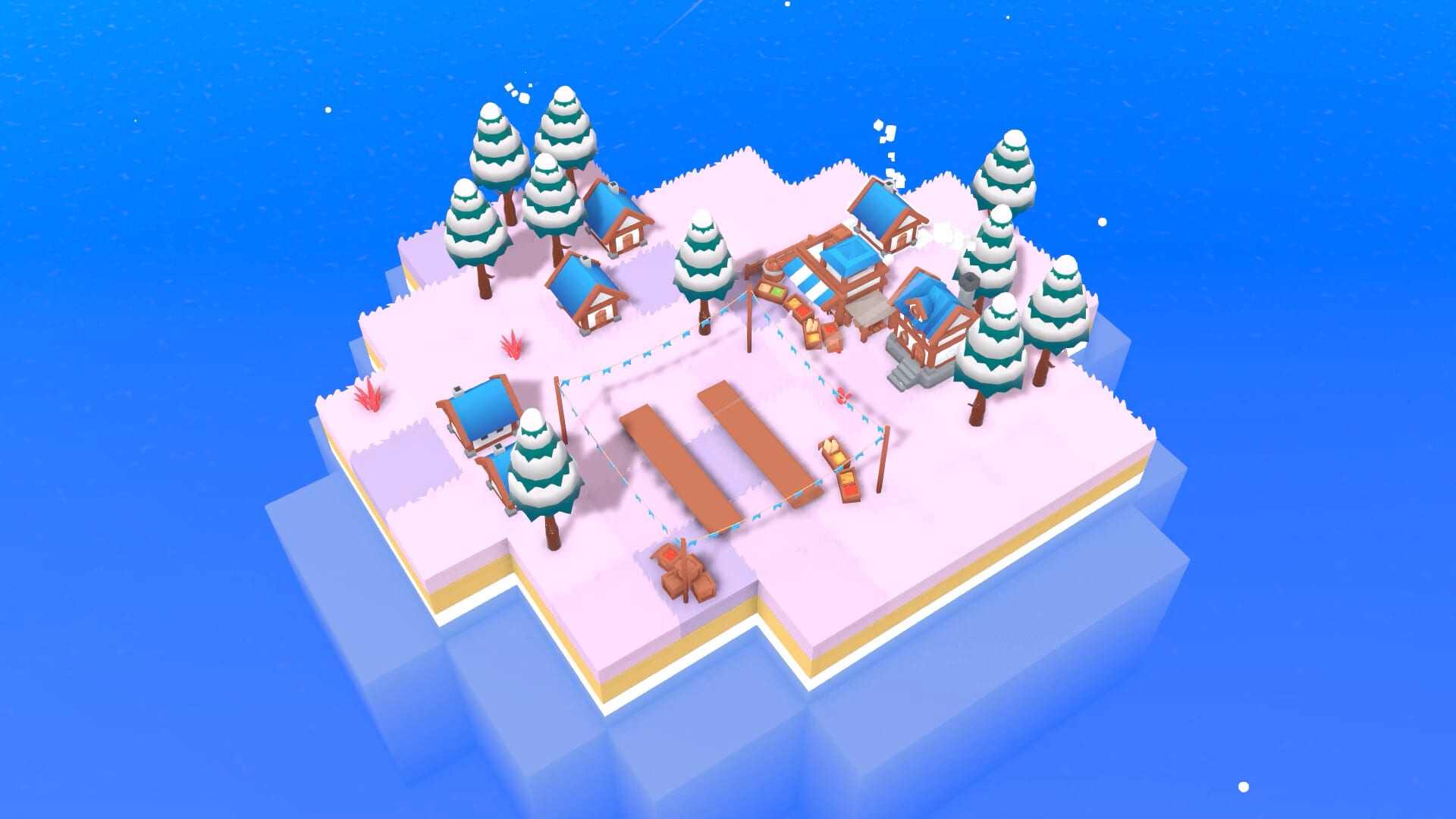
Skill Planner
A Farewells Clicker skill checklist: quest nodes, Multi Claim, building unlocks, then Chest Discovery and chest choices.
Buildings Overview
Farewells Clicker buildings hub: producers, land grabbers, star landmarks, and where each one belongs on the island.
Skill Tree Overview
Farewells Clicker skill-tree hub for Multi Claim, Chest Discovery, chest-choice nodes, and early star spending.
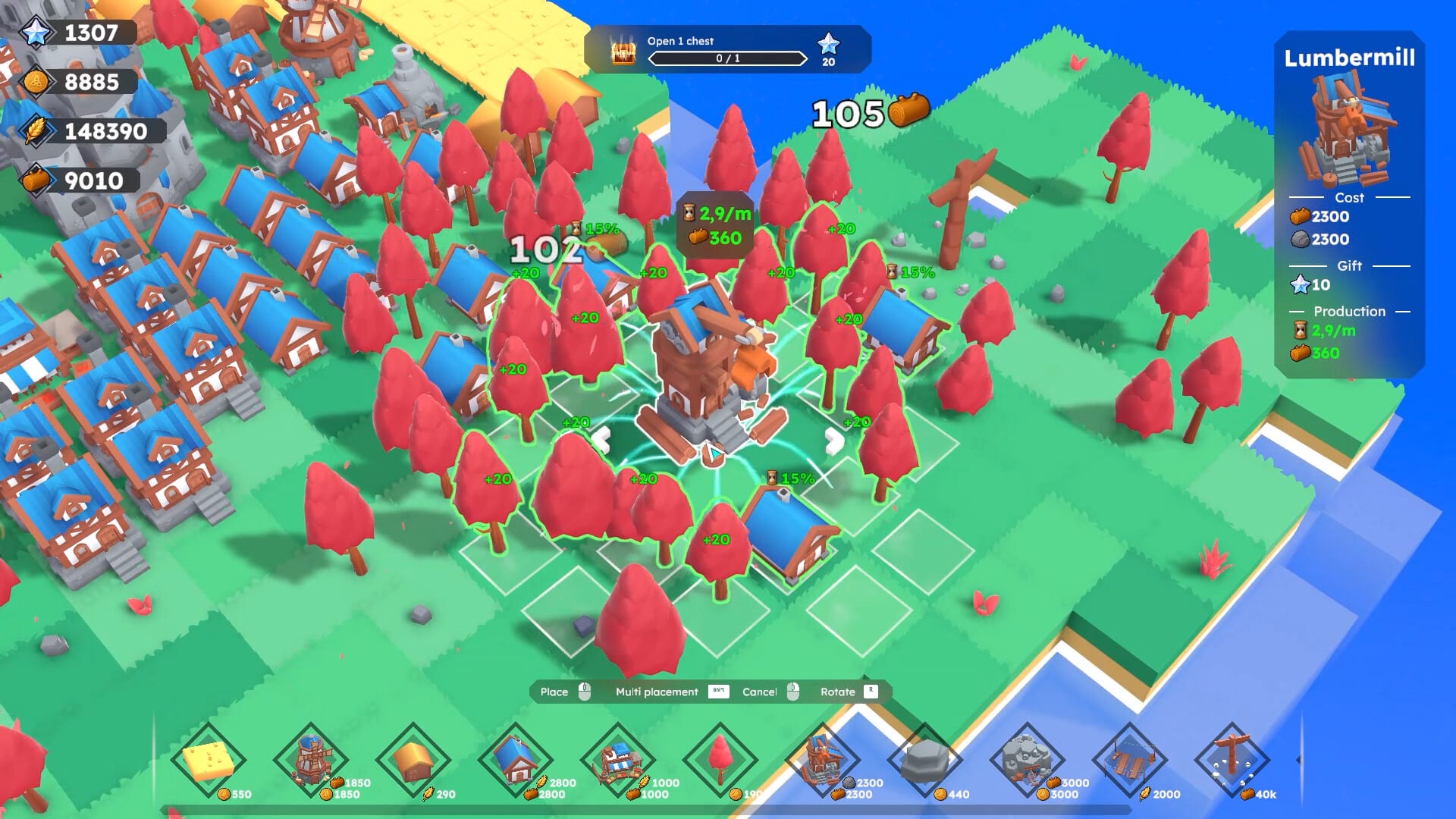
Guides Overview
Farewells Clicker guides for how to play, expand land, farewell, chest events, controls, and a launch-week review.